 Multi
Multi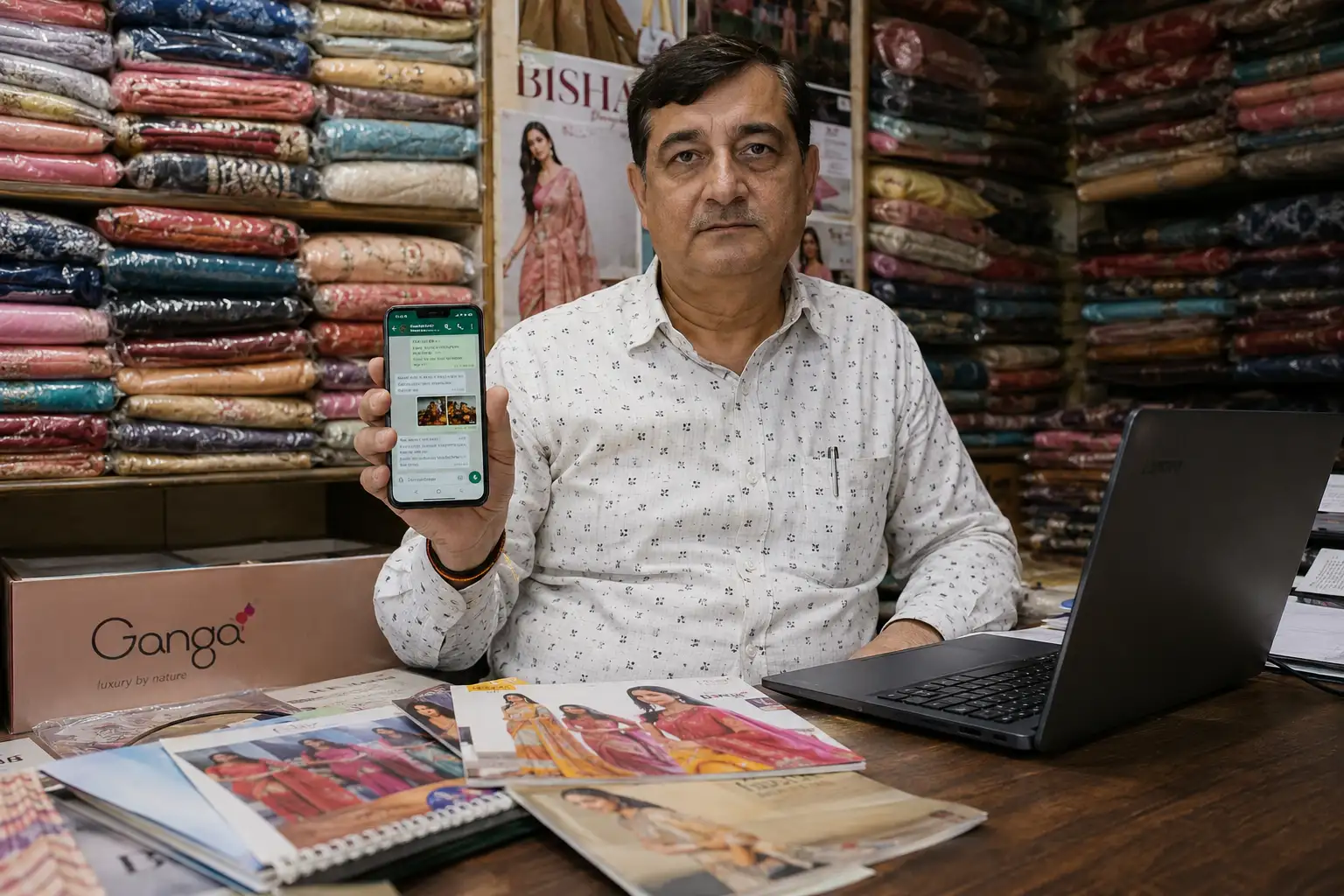
How I Send Heavy 50-Page PDF Catalogs on WhatsApp (Without Losing Photo Quality)
If you are running a B2B business, a wholesale shop, or even just a retail boutique, you already know that WhatsApp is where all the actual sales happen. We don't wait for customers to walk into the store anymore; we send the store directly to their phones.
Every season, whenever I get new stock—whether it is bridal lehengas, heavy kurtis, or new jewelry designs—I spend a lot of money getting professional photos taken. I compile all these beautiful high-resolution images into a massive PDF catalog. I add the prices, the fabric details, the sizes, and my branding. The final PDF usually looks amazing on my computer.
But then comes the real nightmare: trying to actually send this file to my buyers on WhatsApp.
The 100MB WhatsApp Problem
Because I use high-quality photos so my customers can zoom in and see the embroidery or the print details, my PDF files usually end up being huge. Sometimes 50MB, sometimes even 150MB! Have you ever tried sending a 100MB file to a buyer in a different city who is using mobile data?
First of all, it takes ten minutes just to upload from your phone. You sit there watching that little green circle spin and spin. And then, when the customer finally recieves it, they don't even download it. Why? Becuase nobody wants to waste 100MB of their daily 1.5GB Jio data just to look at a catalog. They see the file size, and they just ignore the message.
If your catalog doesn't open instantly, you lose the sale. People have zero patience on WhatsApp. They want to tap, open, see the price, and place the order.
Why Google Drive Links and Screenshots Are a Bad Idea
For a long time, I tried to find workarounds for this heavy file size issue. None of them worked, and honestly, they just made my business look unprofessional.
Mistake 1: Sending a Google Drive Link. I thought, "Okay, I will just upload the 100MB catalog to Google Drive and send the link on WhatsApp broadcast." Terrible idea. Half of my older retail customers don't know how to navigate Google Drive. They click the link, it asks them to choose an email account, then sometimes it says "Request Access" becuase I forgot to change the sharing permissions. It creates way too much friction. The buyer gets confused and just closes the app.
Mistake 2: Sending 50 Individual Photos. I tried just selecting all 50 photos in my gallery and sending them directly in the chat. My buyers got so annoyed! Their phones kept buzzing 50 times, their gallery got filled up with my photos, and it completely ruined their phone storage. Plus, there is no structure. They can't see the product code or the price clearly next to the image.
Mistake 3: Cheap Compressor Apps. I downloaded some random free PDF compressor apps from the Play Store. Yes, they made the file size smaller, but they absolutely destroyed the quality. The photos looked like blurry Minecraft blocks. The text for the product codes was so pixelated that buyers kept messaging me asking, "Bhaiya, is this price 1500 or 1900? I can't read it."
The Smart Solution: How to Compress the Right Way
You need a tool that understands the difference between text and images. You want the photos to be compressed just enough for mobile screens, but you need the text (like your prices and bank details) to stay 100% sharp and readable.
This is exactly why I use the PDF Compressor on MultiToolPDF.com. It uses a smart algorithm that brings a 50MB file down to like 4MB or 5MB, which downloads instantly on WhatsApp, but it keeps the images looking great on a mobile screen.
Here is my exact workflow every time I launch a new collection:
- Step 1: Export the Master Copy: I create my catalog in Canva or PowerPoint and export it as a high-quality PDF. I don't worry about the size at this stage. I just let it be 80MB.
- Step 2: Upload to the Compressor: I open my browser and go to the MultiToolPDF PDF Compressor. I just drag my heavy master file into the box.
- Step 3: Choose the Compression Level: If it's a huge file, I choose the "Strong Compression" option. The tool does the math in the background. It optimizes the color profiles of the images and removes useless hidden data from the file.
- Step 4: Download and Broadcast: In a few seconds, I get a file that is magically 5MB. I open it to check—the photos still look vibrant, the zoom works, and the text is crystal clear. I immediately blast it to my WhatsApp broadcast lists.
Protecting Your Exclusive Designs (Security Matters)
If you are a manufacturer in cities like Surat, Jaipur, or Mumbai, you know that design piracy is a massive issue. People are always trying to steal your new prints before you even launch them in the market.
When I was using those random free apps on my phone, I always worried: "Are they saving my catalog on their servers? Are they selling my designs to my competitors?"
That is the main reason I switched to MultiToolPDF. The tool works completely on the "client-side." That means when you compress your catalog, the processing happens directly inside your own web browser's memory. The file never gets uploaded to any external server. You don't have to worry about your hard work or your wholesale pricing leaking out onto the internet. It is 100% private.
A Few Extra Tips for WhatsApp Catalogs
Since we are talking about increasing sales through WhatsApp, here are a few extra tips I have learned over the years to make your compressed PDFs convert better:
- Use Vertical Layouts: Nobody wants to turn their phone sideways to read your catalog. Design your PDF in a 9:16 vertical ratio (like an Instagram Story) so it fills the whole mobile screen perfectly.
- Put Your Number on Every Page: Sometimes buyers take a screenshot of just one page and forward it to their friends or customers. If your phone number isn't on that specific page, you just lost a potential new lead!
- Add Clickable Links: You can actually put clickable links in your PDF. Put a "Click here to chat with us" button on the last page that opens directly to your WhatsApp Business number.
Conclusion: Speed Equals Sales
In today's fast market, you realy can't afford to have your customers waiting. If your PDF takes too long to load, they will just swipe back and buy from the next status update they see.
Stop sending 100MB files, stop sending complicated Google Drive links, and definetly stop sending 50 separate images that annoy your buyers. Compress your files the smart way, keep your quality high, and watch how much faster your customers reply with their orders!
Comments (0)
Leave a Comment