 Multi
Multi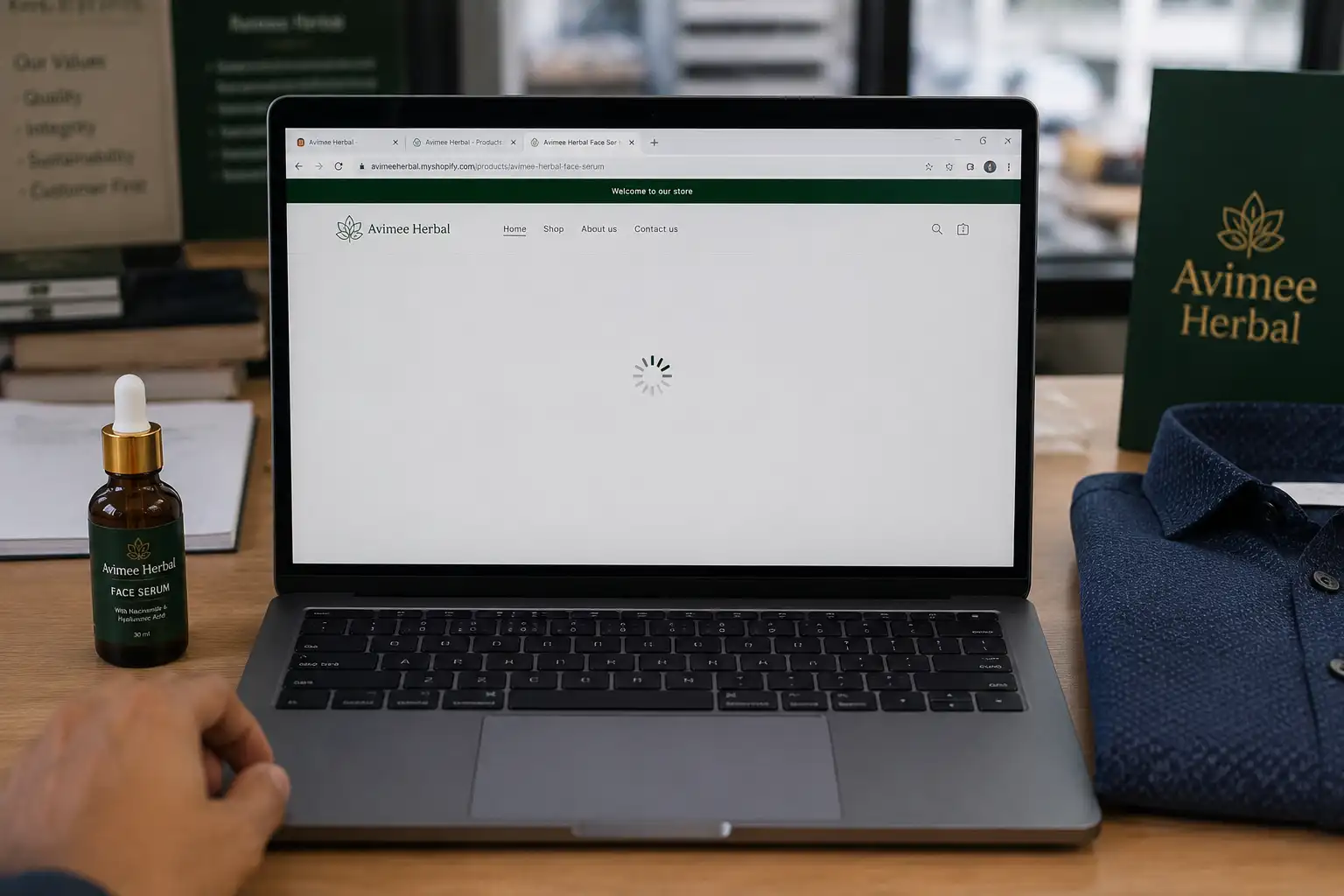
Why Your E-commerce Website is Loading So Slowly (And How WebP Images Fixed My Sales)
If you are running your own online store—whether it is on Shopify, WooCommerce, or a custom-built website—you already know that the look and feel of your product pages is everything. In the online world, the customer can't touch the fabric or feel the product. Your photography is your only salesperson.
When I first started building out my brand sites, I was obsessed with image quality. I would spend hours arranging the perfect lighting or using generative AI tools to get those flawless 8K resolution shots. But very quickly, I ran into a massive problem that almost killed my conversion rate: my website was taking way too long to load.
The Curse of the 8MB Product Photo
Let me give you a real-world example of how this happens. Recently, I was working on a product page for a new high-potency facial serum. I had these incredible, highly detailed macro shots of our specific brown bottle with a white dropper and a custom label design. Because our marketing focuses heavily on high-impact skin refinement, pores, and texture (we completely avoid generic terms like "dull skin"), the photos had to be absolutely crystal clear. You need high resolution to show that level of detail.
I had the exact same issue with my clothing brand, POAM. We maintain strict character consistency in our catalogs. We use a specific male brand model named Leo, and it is crucial that his facial features and his signature black leather strap watch look sharp in every single shot. When we launched a new navy blue textured shirt, the photographer had to capture the exact weave of the fabric and make sure the matching navy blue buttons were perfectly visible.
The result? Absolutely stunning JPG files that were 6MB to 8MB each. I uploaded about six of these images to a single product page.
Then, I opened my phone to test the website. I tapped the link, and... nothing happened. The screen stayed white. Three seconds passed. Five seconds passed. Finally, the images started slowly loading from top to bottom like it was 1999 internet. It was a disaster.
Why Slow Websites Kill Your Sales Instantly
As a store owner, you might have the patience to wait 10 seconds for your own website to load becuase you built it. But a random customer clicking on your Instagram or Facebook ad? They have zero patience.
Google actually released a study showing that if a mobile page takes longer than 3 seconds to load, over 53% of users will just hit the back button and leave. That is called your "Bounce Rate." Imagine paying 10 rupees per click on Facebook Ads, and half of that money is completely wasted becuase your high-resolution JPG images are too heavy for the customer's 4G connection.
You lose the sale, you waste your ad budget, and to make things worse, Google punishes your SEO ranking. Google's "Core Web Vitals" update specifically tracks how fast your images load. If your site is slow, they stop showing it in the search results. Definetly not a good situation.
The Traditional Fixes (And Why They Don't Work)
At first, I tried resizing the photos to make them smaller. But when you shrink a high-resolution photo of a navy blue textured shirt down to 800 pixels, you lose all the texture. The matching buttons just blend into the fabric, and it looks like a cheap, flat t-shirt.
Next, I tried standard image compressors to reduce the JPG file size. This was even worse. The compression algorithms ruined the colors. The rich brown of my serum bottle looked washed out, and the fine details of Leo's leather watch strap became blurry and pixelated.
I needed a way to keep the 8K visual quality but reduce the file size by 80%. That is when I discovered WebP.
What is WebP and Why is it the Secret Weapon?
WebP is a modern image format created by Google specifically for the internet. It is designed to replace both JPG and PNG. The magic of WebP is that it provides "lossless" compression. This means it mathematically reduces the file size without actually destroying the pixels your eye can see.
A photo that is 5MB as a JPG will instantly drop to around 400KB as a WebP file, and if you put them side-by-side, you literally cannot tell the difference. Your customers get to see the beautiful texture of your apparel or the fine details of your skincare labels, and your website loads in less than a second.
How to Convert Your Images Fast (Without Losing Quality)
Converting hundreds of product photos to WebP sounds like a headache, but it realy isn't if you use the right tool. I use the Image to WebP Converter on MultiToolPDF because it is built to handle batch processing instantly.
Here is my exact workflow before I publish any new product page:
- Step 1: Finish the Photoshoot: I get all my final edited images from my photographer or AI tools in standard JPG or PNG format.
- Step 2: Drop them in the Tool: I open my browser and go to the Image to WebP tool on MultiToolPDF. I can select 20 or 30 heavy product photos at the same time and just drag them into the box.
- Step 3: Instant Conversion: The tool processes them instantly. I don't have to download any software, and there are no confusing settings. It just perfectly optimizes them for the web.
- Step 4: Upload to Store: I download the new WebP files and upload those to my e-commerce dashboard. The visual quality remains stunning, but my page load speed drops from 8 seconds down to 1.5 seconds.
Privacy and Security for Your Brand Assets
As a brand owner, protecting my unreleased product images is a big deal. You don't want to upload photos of your upcoming collections to random sketchy websites that might store your files on their servers. What if your competitor finds them?
The best thing about using MultiToolPDF is that it utilizes client-side browser technology. When you drop your heavy JPGs into the converter, your computer's own memory does the converting. The images are never uploaded to our servers, meaning your upcoming product designs stay 100% private and secure on your own device.
Conclusion: Fix Your Images, Boost Your Sales
In 2026, running a successful e-commerce store is all about removing friction. If a customer has to wait for your images to load, they will just leave.
Stop uploading massive 5MB files to your product pages. Take 30 seconds to run your catalog through the WebP converter. Your website will feel lightning fast, your Google SEO rankings will improve, and most importantly, your customers will actually stay on the page long enough to hit the "Add to Cart" button!

Comments (0)
Leave a Comment