 Multi
Multi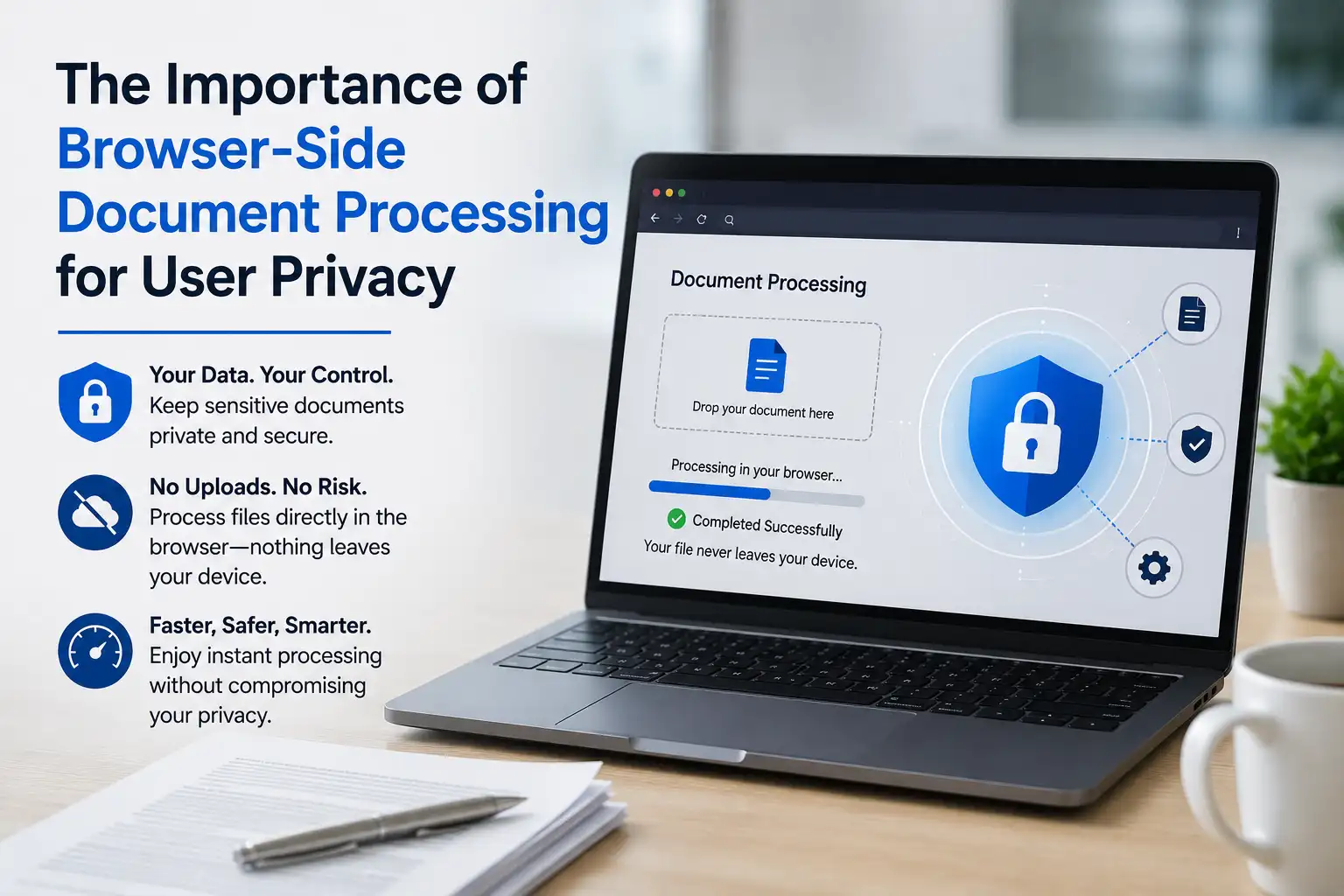
Millions of people use free online tools daily to compress PDFs, crop images, and format documents. But have you ever paused to think about where your files go? When you upload sensitive documents—such as Aadhar cards, bank statements, or business invoices—to standard cloud converters, they are saved on remote servers. Here is why browser-side (client-side) file processing is the ultimate choice for your privacy.
The Security Risk of Cloud Converters
Traditional file converters require you to upload your files to their backend servers. The server processes the file and sends a download link back. While many platforms claim to delete files after a few hours, the risk of data breaches, server hacks, or unauthorized database storage is always present. For personal identification documents (like passport copies or government IDs), this is a massive liability.
What is Browser-Side (Local) Processing?
Browser-side processing means the file never leaves your computer. The conversion code (JavaScript and WebAssembly) runs directly inside your web browser.
- No File Uploads: The input file remains in your device's local memory.
- Instant Execution: Since there is no network transfer delay, files are compiled and converted instantly.
- Offline Capability: You can literally turn off your internet connection, and the tool will still convert your files successfully.
How We Build Privacy-First Tools
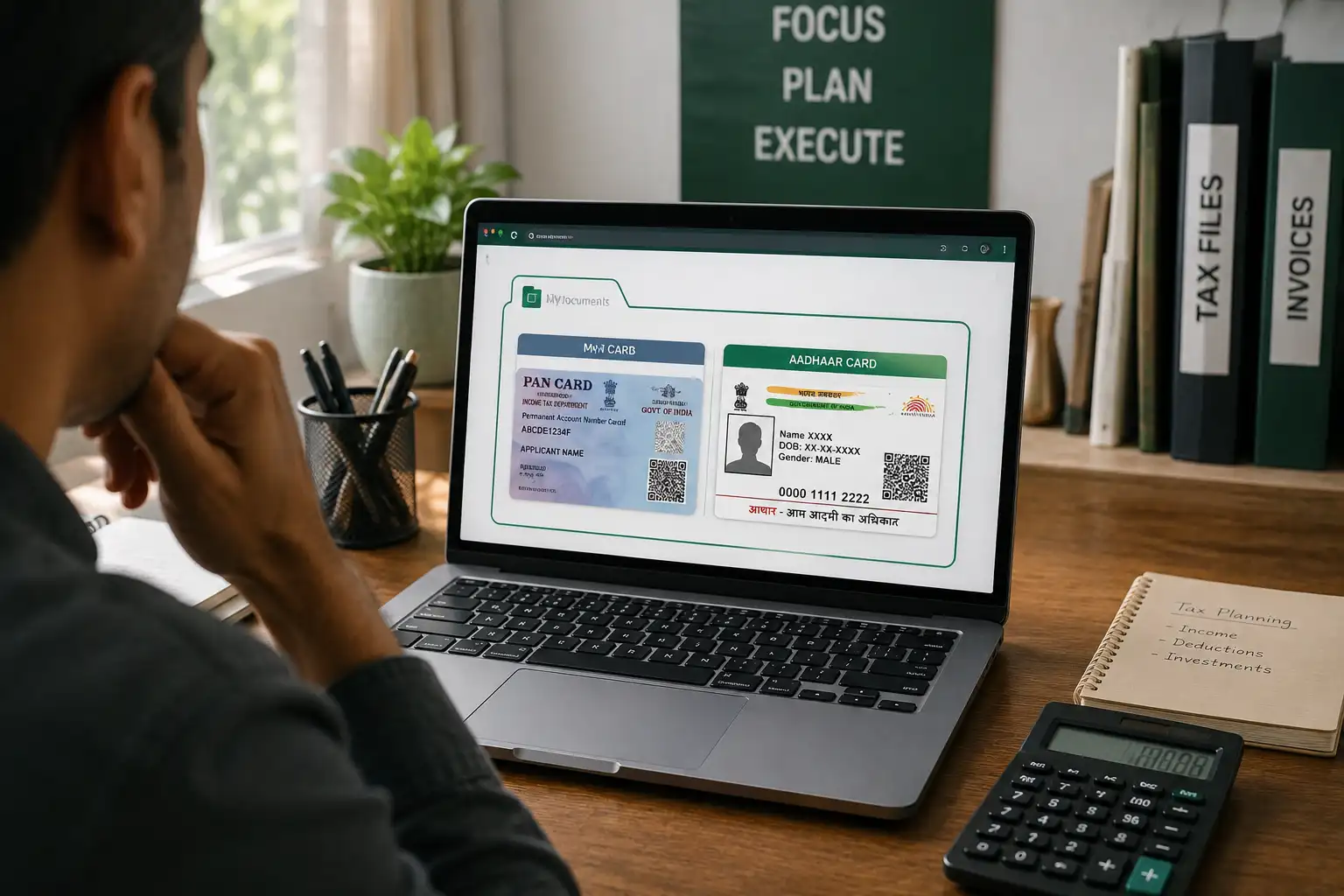
At , we prioritize user security by utilizing client-side canvas engines, PDF-lib, and local image compressors. When you crop your Aadhar Card, merge PDFs, or compress JPG images, all the mathematical transformations are calculated locally in your browser sandbox. This ensures absolute protection for corporate and personal files.
Conclusion
When selecting free online utilities, always choose platforms that offer local client-side processing. Protecting your digital identity starts with conscious choices about where and how you process your sensitive documentation.


Comments (0)
Leave a Comment